Modelos de cardápio de chás
Layouts inteligentes que se adaptam ao seu conteúdo. Prontos para imprimir.
Você
"Faça o cardápio parecer com um bar de jazz de Tóquio em 1980."
Chef IA
Criando design...
Criar com IA
Minimalist List
Clean & Simple
Dark Photo Grid
High Contrast
Earth Tones
Organic
Textured Paper
Rustic & Warm
A Experiência do Chá Perfeito
Crie um cardápio que transmita calma e sofisticação, destacando a qualidade e a história de cada folha.
Ecossistema completo
Complemente sua seleção com um Cardápio de Sobremesas ou um Menu de Padaria artesanal.
Psicologia de vendas integrada
Projetado para vender mais
Cada modelo aplica automaticamente princípios comprovados de psicologia de cardápios. Você não precisa ser um especialista.
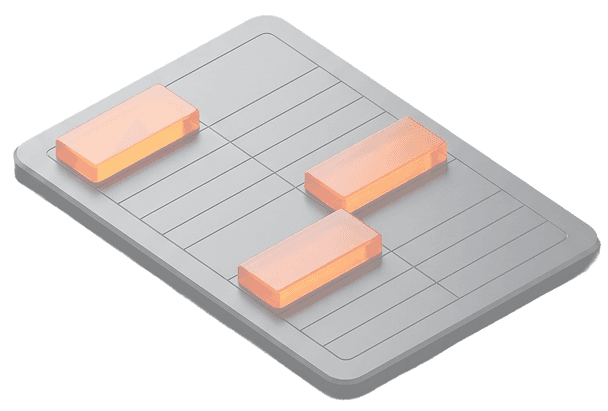
Benefícios e Notas
Destaque propriedades relaxantes ou energéticas para atrair clientes focados em bem-estar.
01
Visual Minimalista
Use espaços em branco no design para refletir a serenidade inerente ao ritual do chá.
02
Sugestões de Harmonização
Recomende acompanhamentos específicos para cada tipo de chá e aumente o ticket médio.
03
O processo
Da ideia à impressão

01
Importar via IA ou foto
Envie uma foto da sua lista de chás ou use nossa IA para gerar o conteúdo automaticamente.
02
Layout Automático
O sistema organiza automaticamente as categorias de chás, preços e descrições em um design limpo.
03
Imprimir ou Publicar
Baixe seu cardápio de chás em PDF de alta qualidade ou gere um QR Code para acesso digital.
Perguntas
Detalhes sobre formato e impressão
É adequado para um Cardápio de chás?
Sim, foi criado para Cardápios de chás pois lida com listas longas e detalhes de infusão de forma automatizada.
Quando devo usar o Yumzi?
Ideal para lançamentos sazonais ou menus especiais de chá onde a agilidade na edição é necessária.
O PDF está pronto para impressão?
Sim, fornecemos um PDF vetorial de 300 DPI com sangria para gráficas.
Posso atualizar depois?
Sim, as atualizações são feitas instantaneamente através do painel de controle.